For paper books

Take a photo. Tap two words. It’s kept.

Quote Quote keeps the lines that stay with you, filed with their book. Nothing to copy out: a few seconds, and you’re back to your reading.

On the App Store at the end of the year, iPhone only.
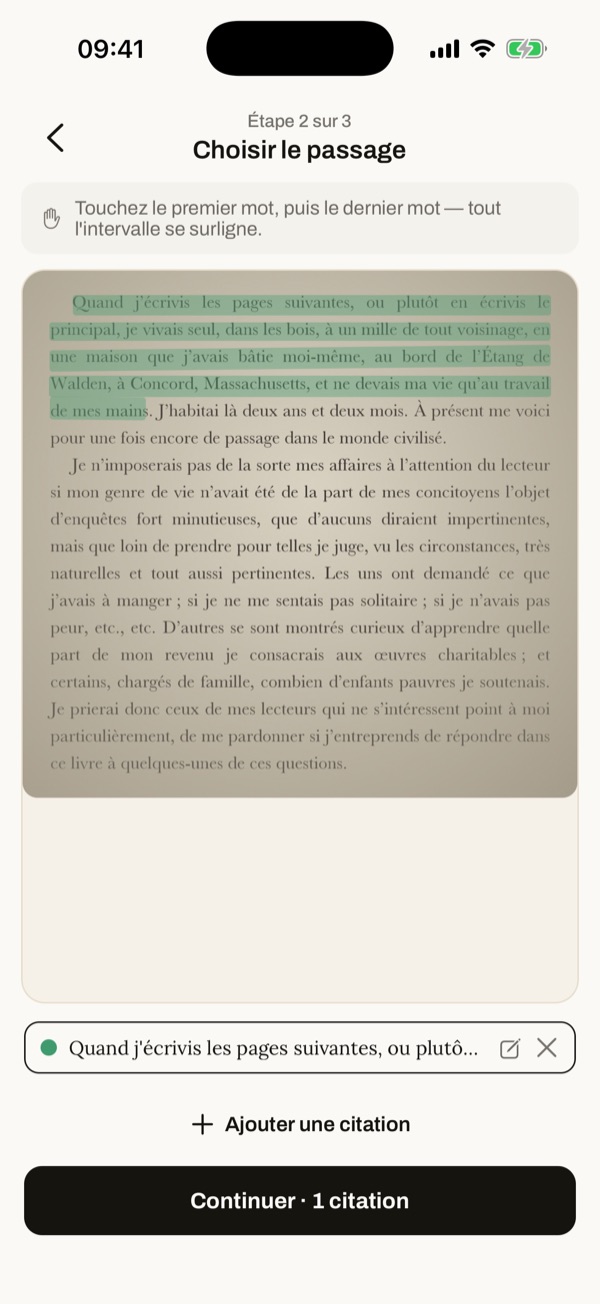
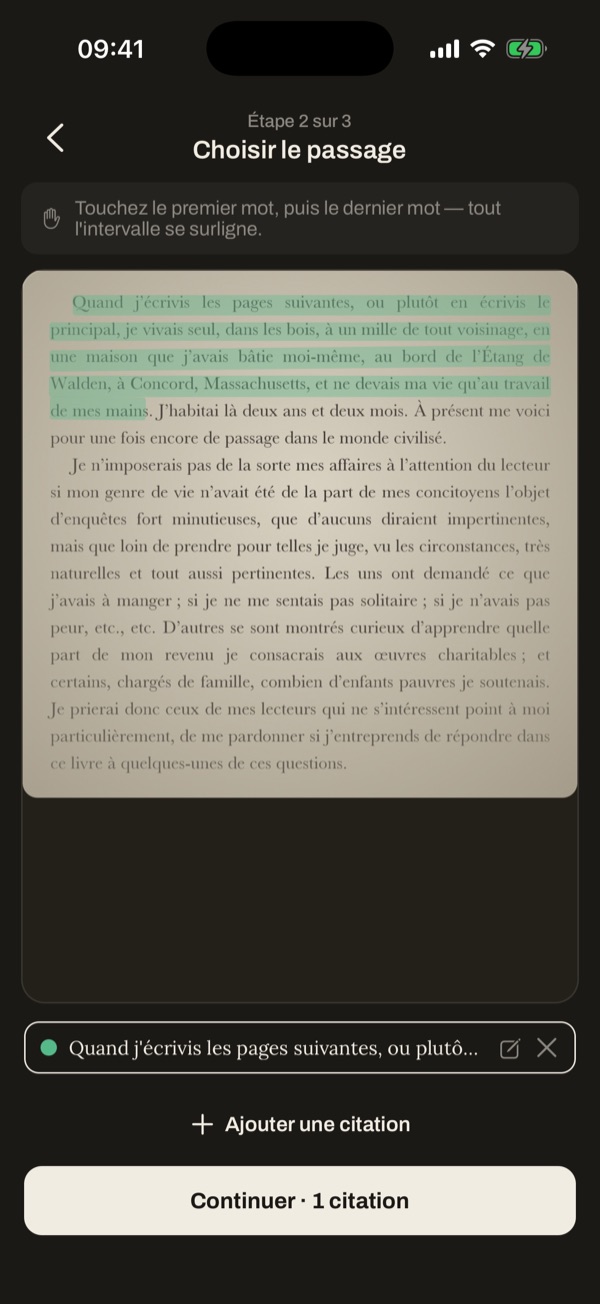
Capture screen: a photographed page of Walden, the chosen passage highlightedCapture screen: a photographed page of Walden, the chosen passage highlighted
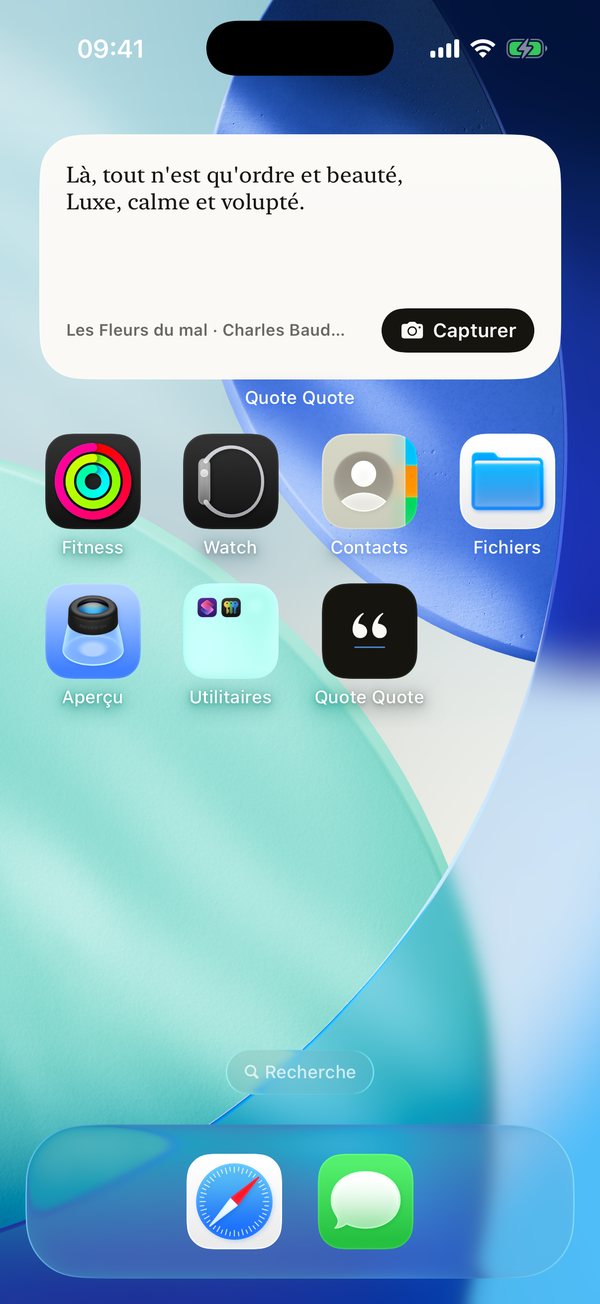
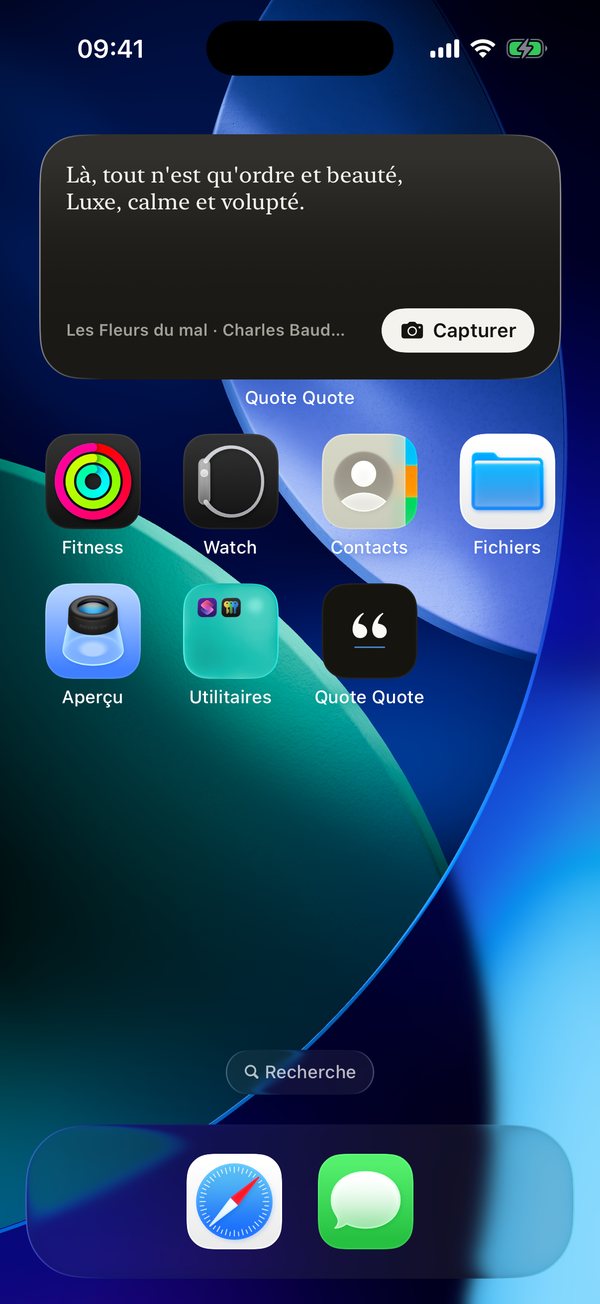
The Quote of the day widget on the Home ScreenThe Quote of the day widget on the Home Screen
How it works

Nothing to copy out.

Photograph the pageThe text is recognised on your iPhone, even offline.Tap two wordsThe first and last of the passage: everything in between is selected.The quote is filed with its bookScan the ISBN the first time. After that, the app knows the book.It comes back the next dayThe “Quote of the day” widget shows it on your Home Screen.

In a hurry? Keep the photo to finish later.

After the capture

Your quotes no longer get lost in your camera roll.

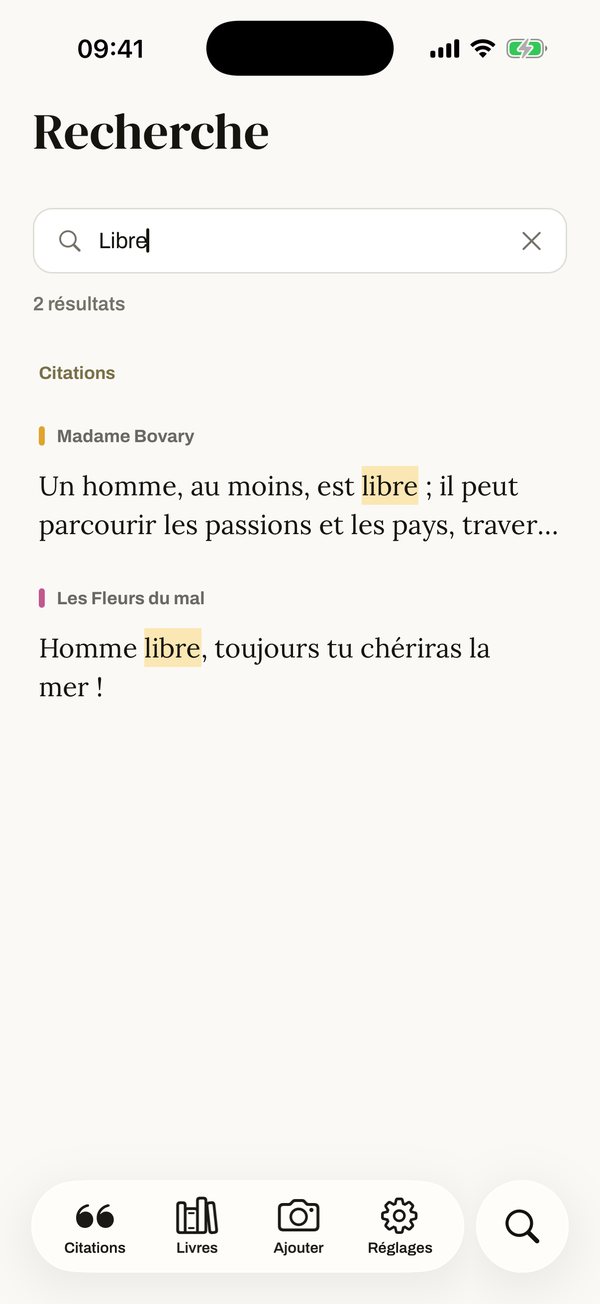
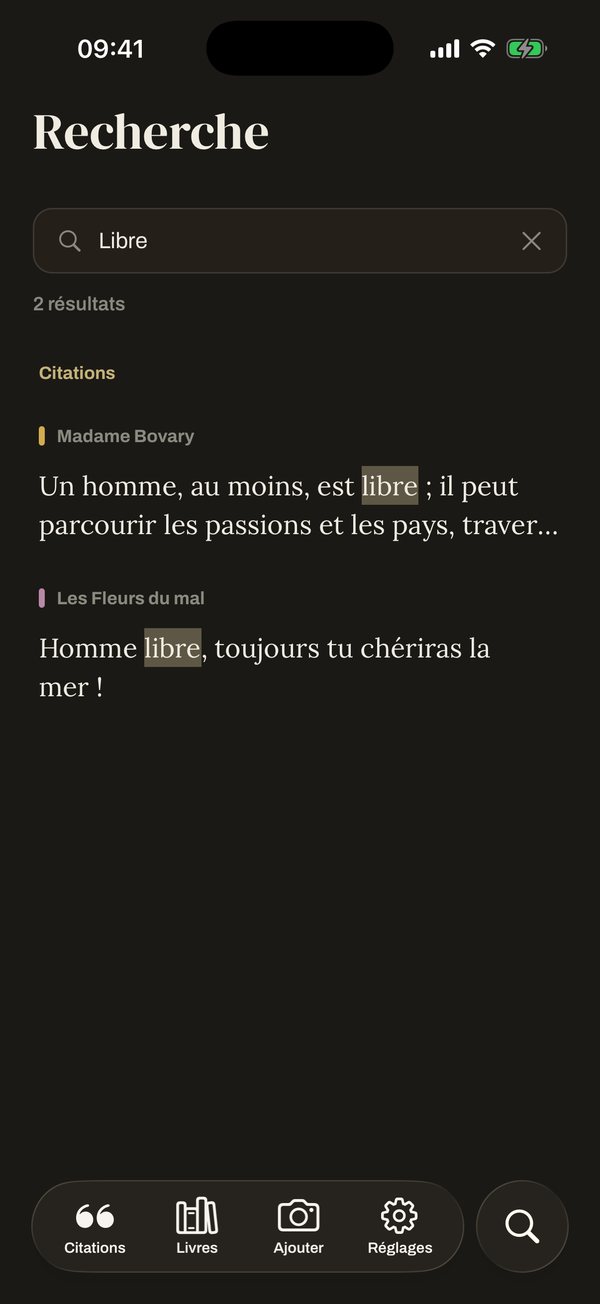
Search: the word “libre” found in Madame Bovary and Les Fleurs du malSearch: the word “libre” found in Madame Bovary and Les Fleurs du mal

Find a line from a single word

Search goes through all your quotes and highlights the passage, even for a quote you kept two years ago.
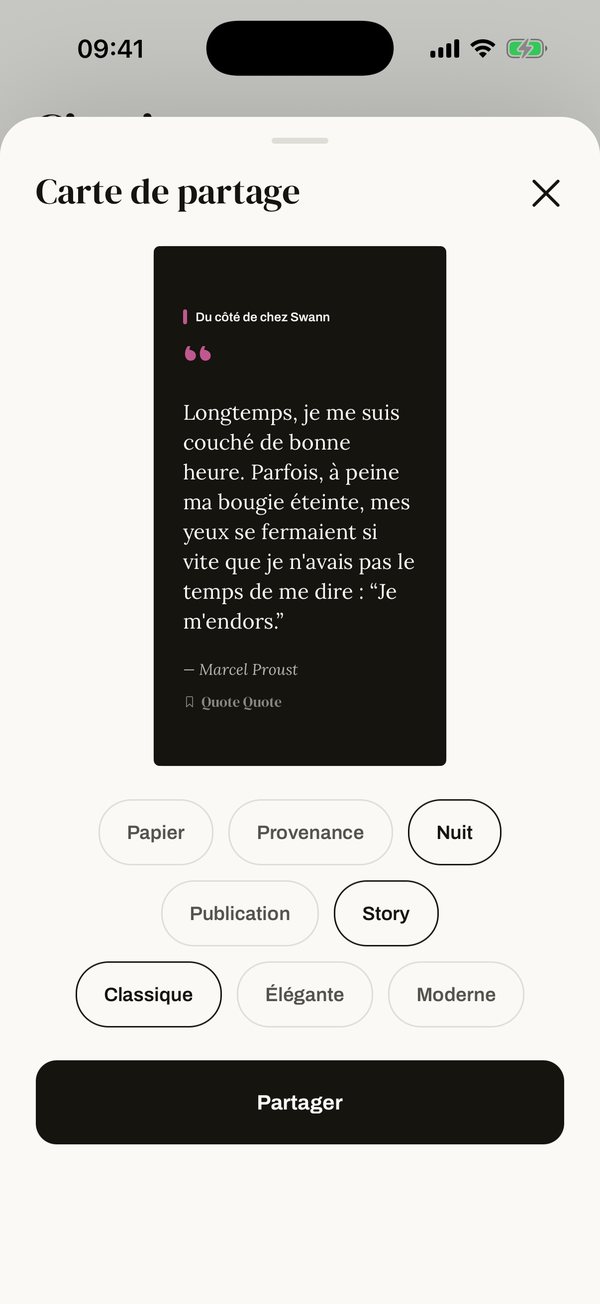
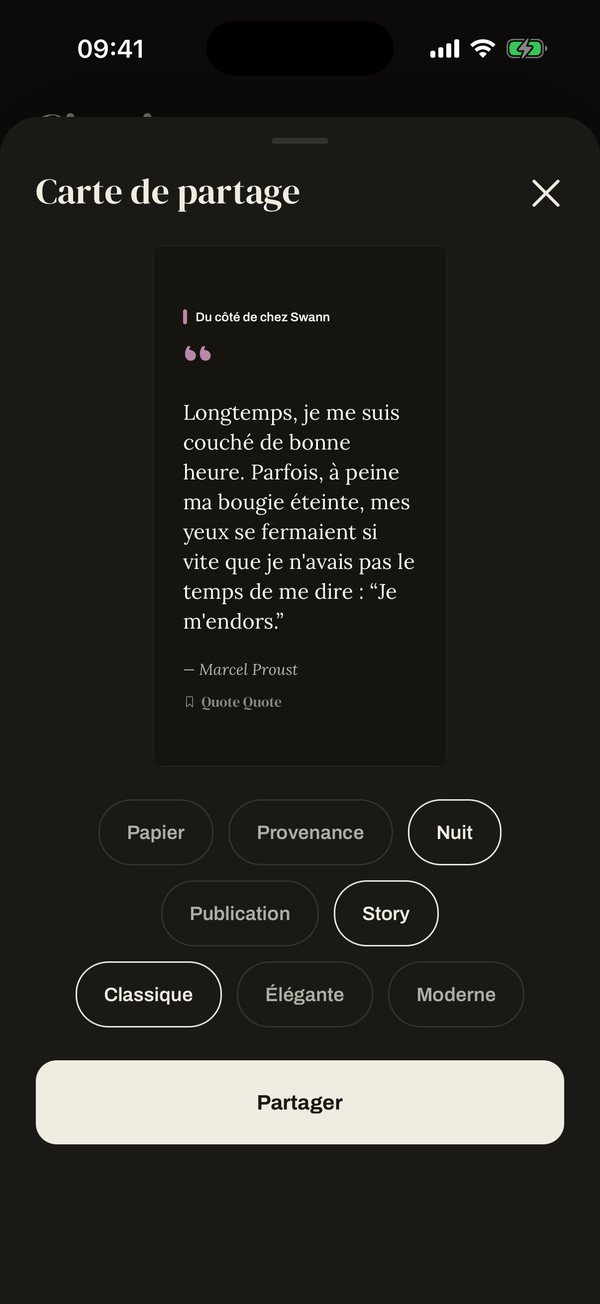
A share card in story format, Night styleA share card in story format, Night style

Share them as images

Create an image in story or post format for Instagram and TikTok, in three styles: Paper, Provenance (in the book’s colours) and Night.
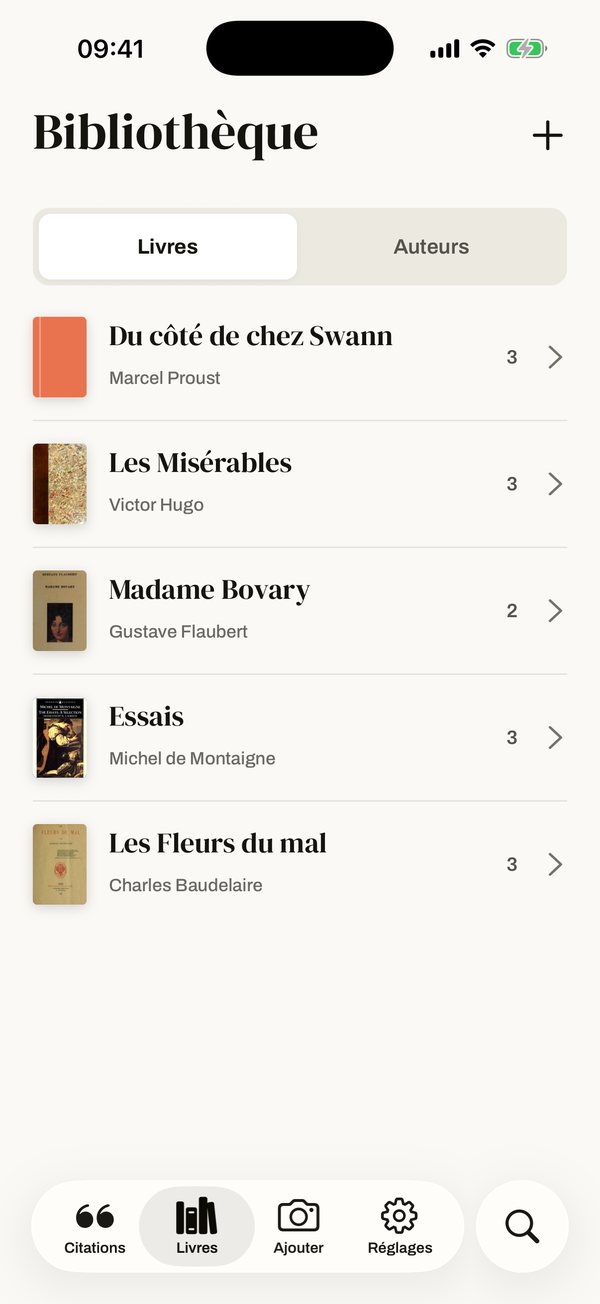
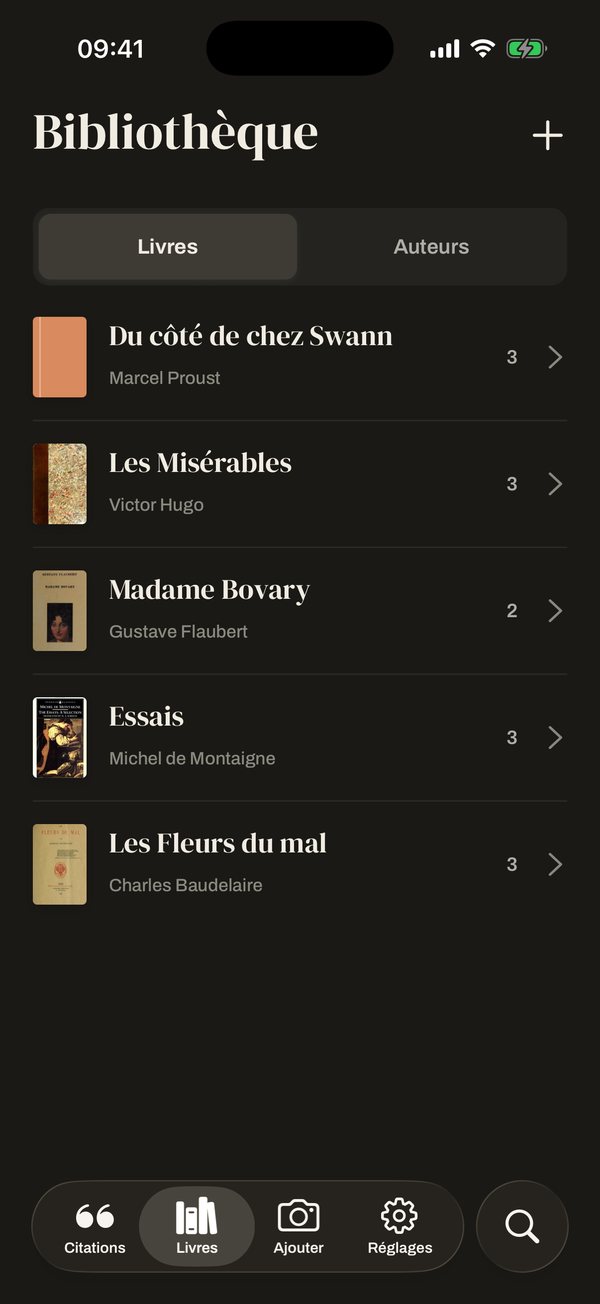
The library: five books with their covers and quote countsThe library: five books with their covers and quote counts

Everything filed by book

By book and by author, with the covers. Export everything as Markdown or CSV for your reading notes or your work.

Features

Everything Quote Quote does.

While you read, the app asks as little of you as possible. Sorting, checking and sharing wait until you have time.

While reading

So you don’t leave your book

  • Capture from the Lock ScreenAdd the widget: one tap opens the camera, no need to find the app.
  • Current bookTell the app what you’re reading. Every capture goes there, nothing to choose.
  • Save for laterNo time to pick the passage? Keep the photo and finish later.
  • Several quotes per pageKeep as many passages as you like from one photo. A passage that runs over continues on the next page.
  • Automatic correctionThe app fixes misread words and flags them. You check whenever you like.
  • Works offlineThe text is recognised on the iPhone itself. It works on a train or a plane too.

After reading

When you have time

  • Quote of the dayA Home Screen widget shows one of your quotes every day.
  • SearchFind a quote from a single word, a title or an author.
  • LibraryYour quotes are sorted by book and by author, with the cover and the photo of the page.
  • Share cardsTurn a quote into an image for Instagram or TikTok, as a story or a post.
  • ExportGet all your quotes as Markdown or CSV.
  • iCloud backupYour quotes are backed up automatically and restored on your next iPhone.

Also: dark mode, import a photo from your library, ISBN barcode scan, app in English, French, Spanish, German and Italian.

Our principle

The app doesn’t pull you away from your book.

Quote Quote isn’t a social network for readers, it’s a notebook. A capture takes a few seconds: you keep the line and go back to your reading.

  • No accountNo sign-up, no email: you open the app and capture.
  • On your iPhoneThe text is recognised on the device, not on a server.
  • In your iCloudAutomatic backup, waiting for you on your next iPhone.
  • No adsNo advertising, no ad trackers.
  • IndependentFor readers, by a reader. Designed and built in France.

“I tried everything to keep my quotes. I never read them again.”

Gaël, reader and maker of Quote Quote
  • highlighters
  • sticky notes
  • folded corners
  • notebooks
  • Evernote
  • the camera roll
Our story

I read a lot, novels and essays alike. And I’ve always wanted to keep the lines that moved me. I tried everything: highlighters, sticky notes, notebooks, Evernote. My quotes ended up scattered, and I never read them again.

So I made Quote Quote. You photograph the page, tap the first and last word, and the quote is filed with its book. You go back to your reading. The next day, the widget brings one of your quotes back to your Home Screen.

No account, no ads, your quotes stay on your iPhone. Just a notebook that keeps what stayed with you, and reminds you of it.

Gaël

Pricing

No subscription: you pay once.

To start€0
  • 3 books
  • Unlimited quotes
  • Widgets, share cards and export
Unlimited€9.99€12.99Launch price until 31 January
  • Unlimited books
  • One payment, valid forever
  • All updates included

With 3 free books, you have time to see whether the app suits you.

Questions

Frequently asked questions

Does it work with any book?

Yes, with any printed text: novels, essays, poetry, old books. Handwriting and badly damaged pages are recognised less well. In that case, you can correct the text before saving it.

What if I change iPhone?

Your quotes are backed up to your iCloud. On your new iPhone, the app offers to restore them the first time you open it.

What about Android, iPad or Mac?

For now, the app is only on iPhone. iPad and Mac may come later. Android isn’t planned.

Which languages?

The app is available in English, French, Spanish, German and Italian.

Can I get my quotes out?

Yes, at any time, as Markdown or CSV. They belong to you.

Your next favourite line may be on the next page.

Join the beta